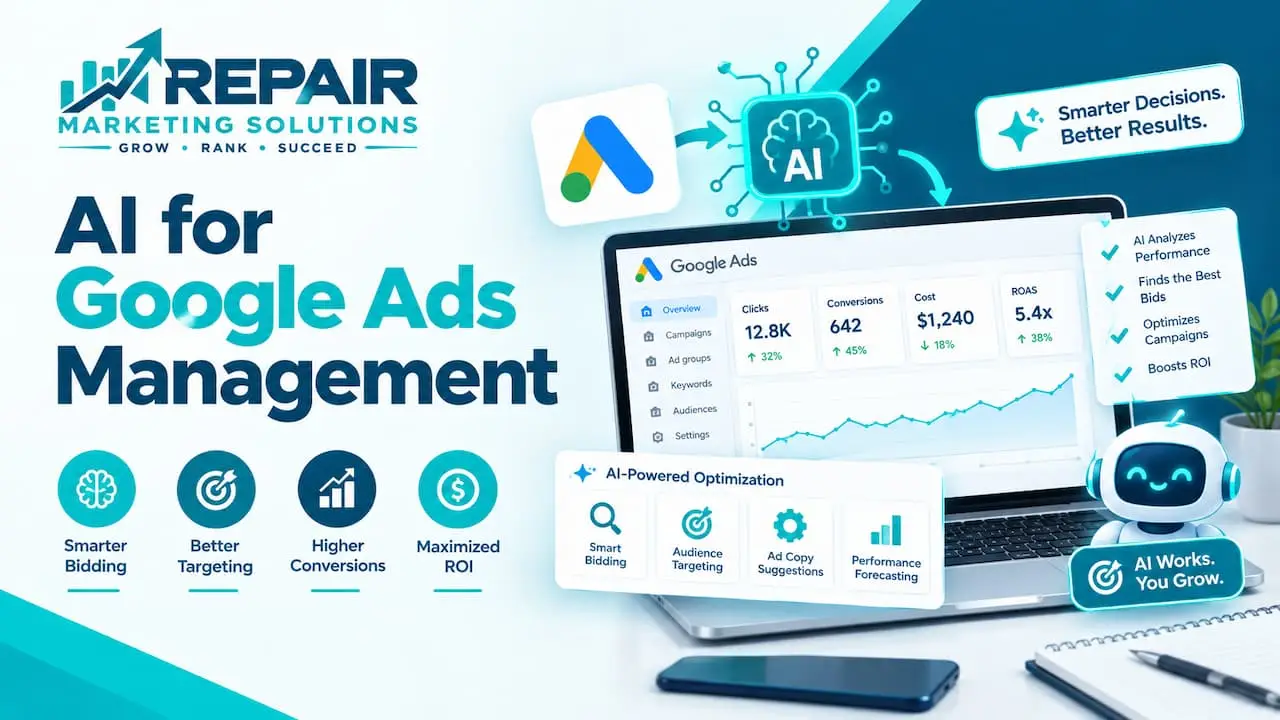
AI can handle a lot of Google Ads work, from setting bids to drafting ad copy and summarizing reports. It works best when your tracking is clean and a real person checks the results. It works poorly when you set it up once and walk away.
This guide shows what AI does inside Google Ads, where outside AI tools fit, and where you still need a human.
What Can AI Do in Google Ads Management?
AI helps with Google Ads management by handling bidding, budget use, ad copy drafts, search term checks, and reports. Google’s own AI, like Smart Bidding and Performance Max, runs inside your account. Outside tools can add chat-style analysis. AI works best with clean tracking and a human reviewing the results.
Think of AI as a fast assistant. It does the repetitive work quickly, and you decide what the work is for.
The AI Already Built Into Google Ads
Google Ads already has plenty of AI, and most of it is on by default or one click away. Here are the parts you’ll run into first.
Smart Bidding
Smart Bidding uses Google’s AI to aim for conversions or conversion value in every auction. Google’s page on Smart Bidding lists Target CPA, Target ROAS, Maximize conversions, and Maximize conversion value as the main strategies.
It needs conversion tracking to work. That makes your tracking the most important setting in the whole account.
Performance Max
Performance Max is a campaign type that uses Google AI for bidding, budgets, audiences, creatives, and more. Google’s overview of Performance Max says it works across Google’s channels from one campaign and respects your keyword targeting in Search.
You give it goals, assets, and audience signals, and it does the mixing and matching. The trade-off is less visibility into exactly where each dollar went.
AI-Written Ad Assets
Google’s AI can also generate headlines and descriptions. In Performance Max, it builds them from your landing page, your domain, and your current ads.
That saves time, but you should still read every line. An ad that promises something your business can’t deliver costs you money and trust.
Setting these tools up well is part of what our Google Ads and marketing services cover, from tracking to reporting.
Where Outside AI Tools Fit
Outside AI tools usually do one of three jobs. They analyze your data, draft your content, or try to run the account for you.
Chat assistants can help with analysis once your Google Ads data is connected to them. You can ask plain questions, like which campaigns spent the most without leads, and get a quick summary.
Some newer products call themselves autonomous AI agents for Google Ads. They promise to build, optimize, and scale campaigns on their own, and some claim to beat human managers. Treat bold claims like that with care, and test on a small budget first.
Google’s built-in AI is strong at delivering your ads efficiently. Outside tools are more useful for pulling data together and explaining it. Neither one knows your business as well as you do.
Where AI Falls Short
AI can only chase the goal you give it. If that goal is wrong, it will chase the wrong thing very efficiently.
Picture a phone repair shop that counts every click on its phone number as a conversion. The AI will find more of those clicks, even if most callers hang up in seconds. The fix is to count longer calls and booked repairs instead.
Here are a few other limits to know about:
- It doesn’t know your real capacity, like how many repairs you can do this week
- It can write ad copy that sounds great but promises too much, like same-day service you can’t give
- It can send budget to places you’d never choose if you could see every click
- It can’t judge lead quality, because it only sees what your tracking tells it
That’s why the best setups pair AI with a person. The AI does the heavy lifting, and the person keeps it honest.
A Simple Weekly Routine for Using AI Safely
You don’t need a big process. A short weekly check keeps AI from drifting.
- Check that conversions still match real calls, forms, or bookings
- Read the search terms report and add negative keywords for junk traffic
- Review any new AI-written headlines and descriptions before they run
- Compare leads to cost, not just clicks or impressions
- Look at budget and make sure it’s going where you want it
- Note any big changes, so you can tell what caused a jump or a drop
Give new AI settings a few weeks before you judge them. Smart Bidding and Performance Max need time to learn from your data.
Which Tasks to Hand to AI
Some tasks suit AI well, and others need your judgment. This table shows a fair split.
| Task | What AI does | What you do |
|---|---|---|
| Bidding | Adjusts bids at auction time | Set goals and define conversions |
| Ad copy | Drafts headlines and descriptions | Check accuracy, offers, and tone |
| Search terms | Spots patterns and waste | Add negatives and judge intent |
| Reporting | Summarizes performance | Question the numbers and pick next steps |
| Budget | Spreads and paces spend | Set limits and priorities |
| Strategy | Offers ideas | Make the final call |
Should You Use AI Tools or Hire Help?
It depends on your time and comfort. If you enjoy the work and can check your account every week, AI tools can stretch your hours a long way.
If you’d rather focus on running your business, a team can set up the AI features, keep tracking clean, and watch the results. You can see how that works in our Google Ads management with Performance Max support.
We’re based in Tucson, Arizona, and we work with businesses across the US and beyond, including phone, laptop, appliance, and auto repair shops. Whichever route you pick, make sure you own your ad account.
AI for Google Ads Management FAQs
Can AI manage Google Ads on its own?
AI managing Google Ads on its own is possible for some tasks, like bidding and budget pacing. It still needs clear goals, accurate tracking, and regular human review. Without those, it can spend money on the wrong things.
What is the best AI tool for Google Ads?
The best AI tool for Google Ads depends on what you need help with. Smart Bidding and Performance Max are built in and a natural starting point. Outside tools are worth testing for reporting, analysis, and copy drafts.
Is AI better than a human at managing Google Ads?
AI is faster than a human at repetitive jobs like adjusting bids and sorting data. A human is better at judgment, like deciding what a good lead is and what you can really deliver. The strongest results usually come from using both.
Is it safe to connect Google Ads to an AI tool?
Connecting Google Ads to an AI tool carries some risk, so check what the tool can see and change. Use the lowest level of access that does the job, and keep ownership of your account. Avoid pasting customer details into chat tools.
Does AI lower Google Ads costs?
AI can lower Google Ads costs when it’s pointed at the right goal, like cost per lead. It can also raise them if your tracking counts the wrong actions. Judge it by cost per real lead, not by clicks.
Do small businesses need AI for Google Ads?
Small businesses don’t need extra AI tools to run Google Ads, since the main AI features are already built in. Start with clean tracking and Smart Bidding before adding anything else. Add outside tools only when they solve a problem you can name.