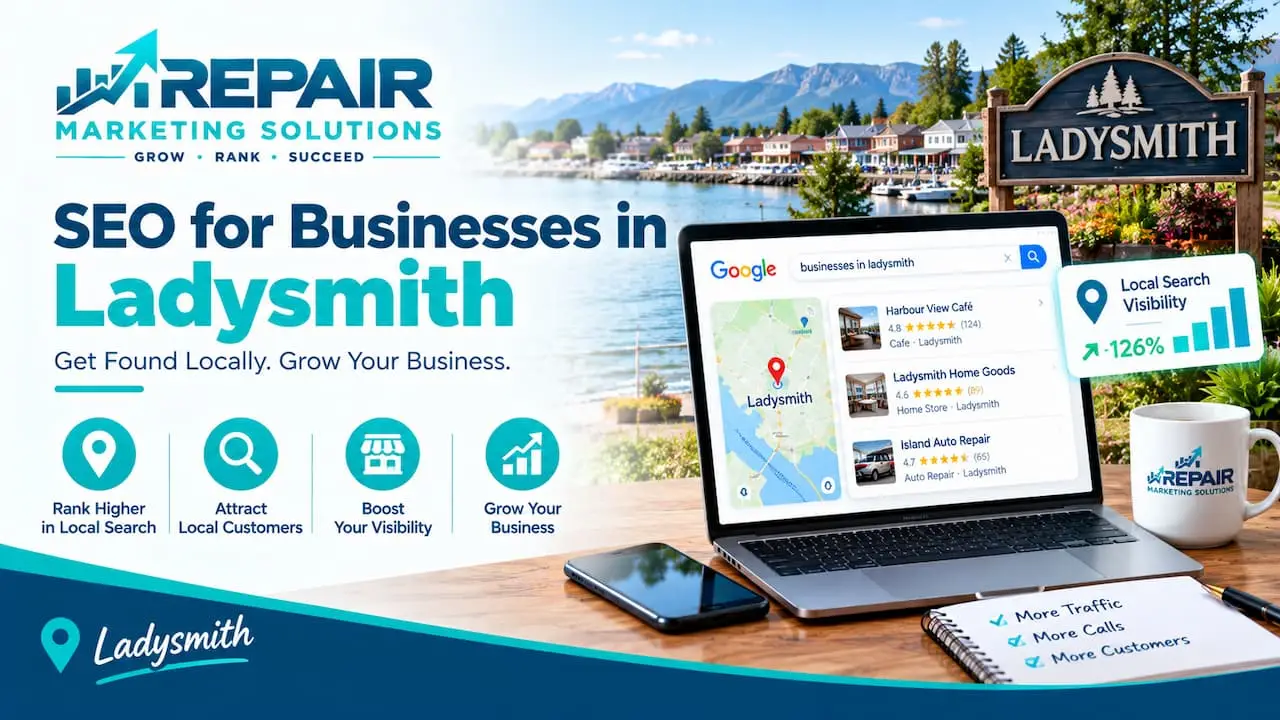
Someone in Ladysmith needs a plumber, a lunch spot, or a new dentist, and they search on their phone. The businesses that show up first get the call.
SEO for businesses in Ladysmith is how you become one of them. It means setting up your Google profile, your website, and your reviews so local customers can find you when they search for what you offer.
This guide walks through what to fix first, how to build pages that rank, and how to measure results. It’s written for owners in Ladysmith, Wisconsin, and the small towns around it, and you don’t need a big budget or tech skills to start.
What Is SEO for Businesses in Ladysmith?
It’s the work of making your business easy to find when local people search on Google.
SEO for businesses in Ladysmith means helping local customers find your business on Google when they search for what you offer. It starts with a complete Google Business Profile, then adds clear website pages, consistent listings, and honest reviews. The goal is more calls, visits, and orders from people in Ladysmith and nearby towns.
Think of it as a sign on the busiest road in town, except it also works at night and on every phone. If you’d like help setting this up, you can look at our local SEO services for small businesses.
Why Local SEO Matters in a Small City
In a smaller city, being easy to find can set you apart quickly.
Ladysmith is the county seat of Rusk County and describes itself as the area’s governmental, commercial, healthcare, and educational center, according to the City of Ladysmith’s community profile. That means people from the surrounding villages come here for shopping, services, and appointments. Many of them check Google first.
Visitors search too. People passing through for the outdoors often type things like “restaurant near me” or “gas and groceries” on their phones. If your listing is complete and your reviews are strong, you’re the easy choice.
Google says local results are mainly based on relevance, distance, and prominence, and it explains each one on its page about how to improve your local ranking. Relevance is how well you match the search, distance is how close you are, and prominence is how well known you are. You can work on two of those three.
Start With Your Google Business Profile
Your Google Business Profile is the most important free tool you have.
It’s the box with your name, hours, phone number, photos, and reviews that appears on the map. Most people see it before they ever open your website.
Fill In Every Section
Add your business name, address, phone number, website, hours, and a short description. Use your real business name, without extra keywords added, because stuffing keywords into it can cause problems.
Keep your hours current, including holidays and seasonal changes. A profile that says closed when you’re open costs you customers.
Choose the Right Categories and Services
Your main category should match what you do most. Then add secondary categories and list your real services, one by one.
Only list what you actually offer. Customers will call and ask, and an honest listing saves everyone time.
Add Real Photos
Photos make a profile feel alive. Add your storefront, your team, your work, and your products.
New photos every few weeks keep things fresh. Avoid stock images, since locals can spot them.
Set a Service Area if You Travel
If you go to customers, such as a plumber, an electrician, or a mobile repair tech, set a service area. List the towns you really cover.
Be honest about it. A smaller, accurate area beats a long list you can’t serve.
Build a Website That Supports Local Search
Your website backs up your profile and gives Google more to work with.
It doesn’t need to be large. It does need to be fast, clear, and easy to use on a phone. If yours needs work, website building and development for local businesses is a good place to start.
| Page | What to include |
|---|---|
| Home | What you do, where you are, and a tappable phone number |
| Services | One section or page for each main service, in plain words |
| About | Who you are, how long you’ve been here, and photos of your team |
| Contact and hours | Address, phone, hours, map, and a simple form |
| Service area | The towns you serve, only if you truly serve them |
| Reviews | A few real customer comments, with permission |
Write each page the way you’d explain it to a neighbor. Short sentences and plain words work well.
Use Local Words Naturally
Local words help Google and customers understand where you work.
Mention Ladysmith, Rusk County, and the nearby towns you really serve, where they fit. Phrases like “plumbing repair in Ladysmith” or “serving Ladysmith and nearby communities” sound natural and help match what people type.
Don’t repeat the same phrase again and again. If a sentence sounds strange when you read it out loud, rewrite it.
Reviews Are Your Local Word of Mouth
In a small city, reputation travels fast, and reviews put it online.
Ask for a review right after a good experience. A quick text or email with a direct review link makes it easy, and many people will say yes if you ask in person first.
Reply to every review, including the bad ones. A calm, helpful answer shows future customers how you handle problems.
Don’t buy reviews or offer rewards for them. It breaks Google’s rules, and it isn’t worth the risk.
Keep Your Listings Consistent
Your name, address, and phone number should match everywhere online.
That includes directories, maps apps, and social pages. Mismatches can confuse search engines and customers.
Local organizations can help here too. The Greater Ladysmith Area Chamber of Commerce and Ladysmith Main Street are both listed as local business groups for the area, and a listing or link from a respected local group can add trust.
Think Rusk County, Not Just Ladysmith
Here’s a tip many small businesses miss: your customers don’t stop at the city line.
People come in from nearby villages like Bruce, Hawkins, and Weyerhaeuser, along with other communities across the county. If you serve them, say so on your website, in plain words. A short page about the areas you cover can help you show up in more searches.
Don’t create a page for every town if you don’t have anything real to say about it. Copying the same text and swapping the name doesn’t help, and visitors notice.
One more point from the field: the phone matters as much as the ranking. A missed call goes to the next business on the list, so answer quickly or call back the same day.
How SEO and Google Ads Work Together
SEO takes time, while ads can bring calls sooner.
Many small businesses run a small Google Ads campaign for urgent searches while their local rankings grow. You don’t have to do both, and you don’t need ads to begin. But if you need leads this month, a small, well-tracked campaign can help bridge the wait.
Track every call from your ads so you know whether it’s paying off.
How to Get Started in 30 Days
You can set up the basics in about a month, even with a busy shop or office.
- Claim and verify your Google Business Profile, then fill in every section.
- Choose your main category and add each service you offer.
- Upload at least ten real photos of your business and your work.
- Check that your website loads fast on a phone and shows your number clearly.
- Create or improve a page for each main service.
- Fix your name, address, and phone number in major directories.
- Ask your last ten happy customers for a Google review.
- Set up call tracking so you can see which calls come from Google.
After that, check your results monthly and make small improvements.
What to Track
Calls and customers matter more than rankings alone.
These numbers tell you the most:
- Calls from your Google Business Profile
- Calls and form leads from your website
- Review count and average rating
- Search terms that bring people to your profile
- Directions requests and website clicks from your profile
- New customers by source
If calls go up but sales don’t, look at how you answer and follow up. The fix is sometimes on the phone, not the website.
Common Mistakes to Avoid
Most problems come from a few repeated habits.
- Leaving your Google Business Profile half empty
- Listing services you don’t offer
- Adding keywords to your business name
- Ignoring reviews or never replying
- Using different phone numbers or addresses across the web
- Never checking whether your calls came from Google
Frequently Asked Questions About SEO for Businesses in Ladysmith
What is SEO for businesses in Ladysmith?
SEO for businesses in Ladysmith is the work of helping local customers find your business on Google. It includes your Google Business Profile, your website, your listings, and your reviews.
How much does SEO cost for a small business in Ladysmith?
SEO costs for a small business in Ladysmith depend on what you need and who does the work. Doing the basics yourself is free apart from your time, while an agency charges for ongoing help. Ask exactly what’s included before you sign.
How long does local SEO take to work in Ladysmith?
Local SEO in Ladysmith usually takes a few months to show steady results, though timing depends on your competition and where you start. Small wins, like more profile views, can show up sooner.
Do I need a website if I have a Google Business Profile?
A website is still worth having even with a strong Google Business Profile. Your profile helps people find you, and your site gives them the detail and proof they need to feel confident calling.
Can I rank in nearby towns like Bruce or Hawkins?
Ranking in nearby towns is possible for some searches, but distance matters. Google says it’s one of three main factors, so list the areas you truly serve and build useful pages for them.
Should I hire a local agency or an outside one?
Choosing between a local agency and an outside one depends on the service and the fit. What matters most is clear reporting, honest answers, and who owns your accounts. Ask for examples of small-business results and how they track calls.
Final Thoughts
SEO for businesses in Ladysmith comes down to a few steady habits: keep your profile accurate, build clear pages, earn honest reviews, and answer the phone fast.
From our base in Tucson, Arizona, we work with small businesses across the USA on exactly these basics. Start with your Google Business Profile, and build out from there.