
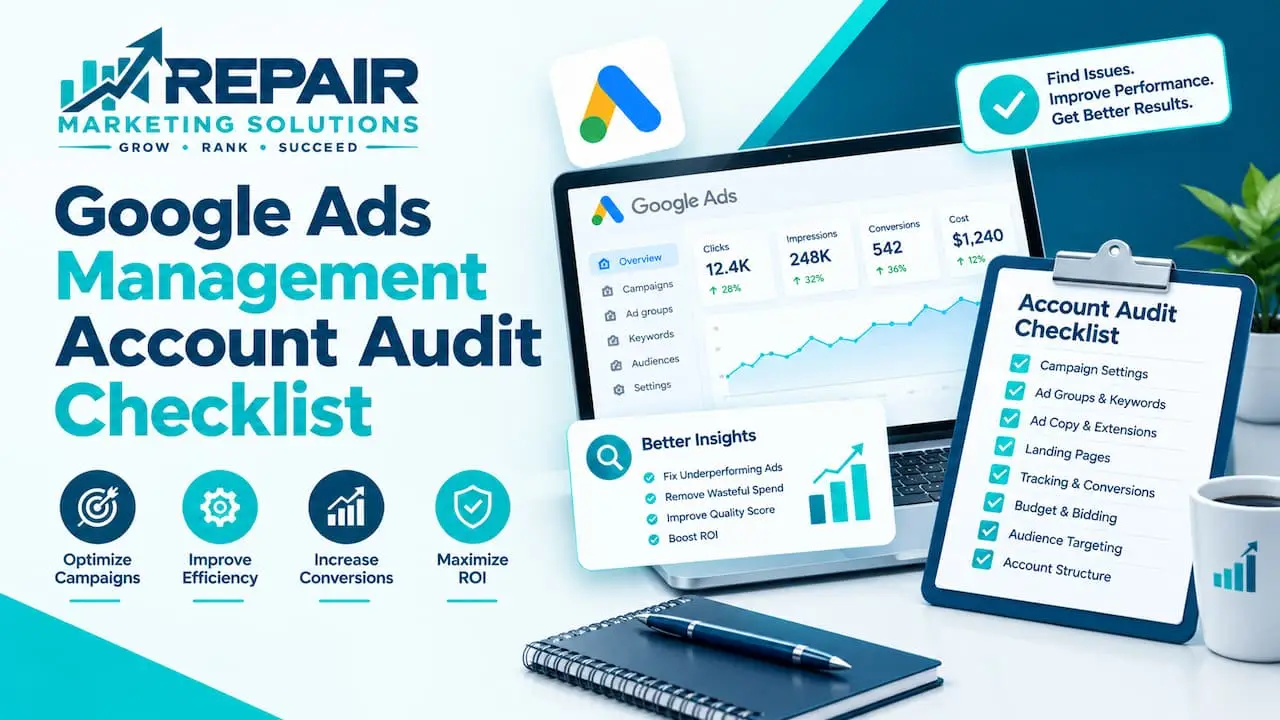
A Google Ads account audit is a structured review that finds wasted spend and missed chances. This checklist walks you through ten areas, starting with conversion tracking and ending with reporting.
Work through it in order, and mark each item as fine, needs fixing, or not sure. By the end, you’ll have a short list of fixes ranked by how much money they could save.
What Is a Google Ads Account Audit?
A Google Ads account audit is a close look at how your campaigns are set up and whether the setup still makes sense. It covers things like tracking, keywords, ads, bids, budgets, and the pages your ads send people to.
Google’s own Recommendations tab isn’t the same thing. It suggests changes, but it doesn’t ask whether your account is aiming at the right goal in the first place.
You can run an audit yourself with this checklist, or you can hand it to someone who does it for a living.
When Should You Audit Your Google Ads Account?
Plan on a regular check every few months, even if results look fine. Small problems add up quietly when nobody is looking.
Some moments call for an audit right away:
- You just took over an account from someone else
- Leads dropped or your cost per lead jumped
- You changed your budget, offer, or website
- You’re about to hire an agency or switch to a new one
- You’ve never had a full review
If you’d rather have someone else do the work, our Google Ads and marketing services include account reviews and ongoing optimization.
The Quick Version: Google Ads Audit Checklist
A Google Ads account audit checklist covers ten checks: goals and conversion tracking, account structure, settings, keywords and search terms, ads, bidding and budget, audiences and targeting, landing pages, policies, and reporting. Start with tracking, because every other number depends on it. Fix the biggest money leaks first.
Here’s the full list at a glance:
- Goals and conversion tracking
- Account structure
- Campaign settings
- Keywords and search terms
- Ads and assets
- Bidding and budget
- Audiences and targeting
- Landing pages
- Policies and account health
- Reporting and next steps
Before You Start
Open your account and set the date range to the last 90 days, or longer if your volume is low. A short window can hide patterns, especially for businesses with only a few leads a week.
Keep a simple notes document or spreadsheet next to you. For each item, write down what you found and how urgent it is.
The 10-Step Google Ads Audit Checklist
Each step below has a short list of things to check. Don’t try to fix everything as you go. Note it, finish the audit, and then decide what to fix first.
1. Check Goals and Conversion Tracking
Start here, because bad tracking makes every other number unreliable. If your account counts the wrong things, you can’t tell which campaigns really work.
- Know your goal: calls, form fills, bookings, or sales
- Make sure each key action is tracked, including phone calls
- Check that the same lead isn’t counted twice, for example by both a form and a Google Analytics event
- Look at which actions are set as primary and which are secondary, since Google explains primary and secondary conversion actions as the difference between what’s used for optimization and what’s only for observation
- Confirm Google Analytics is linked, if you use it
- Do a test: submit a form or make a call, and see if it shows up
Repair shops should pay extra attention here. A tap on a phone number isn’t the same as a booked repair, so count longer calls or real bookings where you can.
2. Review Account Structure
A clean structure makes the account easier to manage and easier to read. A messy one hides problems.
- Campaigns are split by service or goal, not mixed together
- Ad groups hold closely related keywords
- Names are clear enough that anyone can understand them
- Budgets match what matters most to the business
- Old or paused campaigns are cleaned up
3. Check Campaign Settings
Default settings aren’t always right for your business, so this step is where leaks often hide.
- Location targeting matches where you actually work
- People “in” your area, not just “interested in” it, if that’s what you want
- Search campaigns aren’t spending on extra networks you didn’t intend
- Devices and ad schedule fit when you can answer calls and book jobs
- Language settings match your customers
- Automatically applied recommendations are reviewed, not left on without a look
4. Audit Keywords and Search Terms
This step shows what people actually typed before they clicked your ad. It’s often where the most wasted money turns up.
- Open the search terms report and read through the queries
- List irrelevant terms and add them as negative keywords
- Look for words like “free,” “DIY,” “jobs,” or “parts” if they don’t fit your business
- Check match types, since broad matching can open the door to loose queries
- Find keywords with plenty of spend and no leads
- Look for strong terms that deserve more budget
5. Review Ads and Assets
Your ads are what people see, so they need to be clear, accurate, and different enough to test.
- Each ad group has more than one ad
- Headlines include the main keyword and a real reason to call
- Claims are true, like same-day service only if you can deliver it
- Extensions, such as call, location, and sitelinks, are filled in
- Ads that haven’t been updated in a long time are refreshed
6. Check Bidding and Budget
Bidding should match your goal and your data. A good strategy on the wrong goal still gives bad results.
- The bid strategy fits your goal, such as conversions for lead generation
- If you use Smart Bidding, know that Google says it needs conversion tracking to work
- Targets aren’t so tight that they choke your traffic
- Budgets aren’t running out early in the day for your best campaigns
- Spend is going to the campaigns that bring in real leads
7. Review Audiences and Targeting
Targeting decides who sees your ads, so a small mistake can send a lot of money to the wrong place.
- Audience settings are set to observe or target on purpose, not by accident
- Remarketing lists are set up if you want to reach past visitors
- Excluded audiences and placements are reviewed
- Location bid adjustments make sense for your service area
8. Check Landing Pages
Landing pages sit outside Google Ads, but they still decide whether a click turns into a lead.
- The page matches what the ad promised
- It loads fast on a phone
- The phone number and form are easy to find
- The form actually works, so test it
- Each service has its own page where it makes sense
9. Review Policies and Account Health
This step covers the boring parts that can cause big problems later.
- No ad disapprovals or policy warnings are sitting unanswered
- Billing details are current
- The right people have access, and former staff or agencies don’t
- You own the account, not a past agency
- Change history shows nothing unexpected
10. Set Up Reporting and Next Steps
An audit only helps if it leads to action and a way to measure it.
- Pick a few numbers to track, such as conversions, cost per lead, and conversion rate
- Save a baseline so you can compare after changes
- Rank your findings by money impact
- Decide who fixes what, and by when
How to Rank Your Findings
You’ll probably end up with a long list, and that’s normal. Sort it by how much money each item is costing you.
| Priority | What it looks like | Examples |
|---|---|---|
| Fix first | Anything that wastes money or breaks measurement | Broken tracking, junk search terms, wrong locations |
| Fix soon | Things that hold back results | Weak ads, loose structure, thin reporting |
| Fix later | Nice-to-have improvements | Tidying names, extra tests, minor settings |
In many audits, the biggest wins come from the first four steps. Tracking, settings, and search terms are where small mistakes cost the most.
What to Do After the Audit
Start with the top three fixes, and make them one at a time if you can. That way you’ll know what caused any change in results.
Give changes a few weeks before judging them, especially if you use automated bidding. Systems like Smart Bidding need time to learn from new data.
Then put the next audit on your calendar so it doesn’t slip.
DIY Audit or Expert Review?
A DIY audit works well if you know your way around Google Ads and have a few hours to spare. It’s also a good way to learn your own account.
An expert review makes sense if the account is large, results have dropped and you can’t find why, or you inherited a mess. A fresh pair of eyes often spots things you’ve stopped noticing.
You can see how that works in our Google Ads management with audits and ongoing optimization. We’re based in Tucson, Arizona, and we work with businesses across the US and beyond, including phone, laptop, appliance, and auto repair shops.
Google Ads Account Audit Checklist FAQs
What is a Google Ads account audit?
A Google Ads account audit is a structured review of your campaigns, settings, tracking, and results. Its goal is to find wasted spend and missed opportunities. The output is a ranked list of fixes.
How often should I audit my Google Ads account?
Auditing your Google Ads account every few months is a good habit. Do one sooner if results drop, you change your budget or website, or you take over a new account.
How long does a Google Ads audit take?
The time a Google Ads audit takes depends on the size of the account. A small account can often be reviewed in an afternoon, while larger accounts take longer. Taking notes as you go keeps it moving.
What should a Google Ads audit include?
A Google Ads audit should include conversion tracking, account structure, settings, keywords and search terms, ads, bidding, targeting, landing pages, policies, and reporting. Tracking comes first, because everything else depends on it.
Can I audit Google Ads myself?
Auditing Google Ads yourself is possible with a good checklist and some time. Work through each step, take notes, and rank what you find by money impact. If you get stuck on tracking or bidding, a second opinion can save you a lot of wasted spend.
What are the most common Google Ads account mistakes?
Common Google Ads account mistakes include broken or double-counted conversion tracking, junk search terms, wrong location settings, and weak landing pages. Many accounts also leave automated settings unchecked. These are the first places to look in any audit.