
Most contractors don’t have an ad problem. They have a follow-through problem.
Contractor Google Ads management is the ongoing work of building, tracking, and tuning your campaigns so they bring booked jobs instead of random clicks. A roofer who pays for clicks on “roofing” gets browsers and students. A roofer who targets “roof leak repair near me” and tracks every call gets people ready to hire.
This guide explains what good management includes, what it costs, and how to tell if your campaigns are working. It’s written for contractors across the USA.
What Is Contractor Google Ads Management?
It’s the day-to-day work of keeping your Google Ads pointed at the right customers.
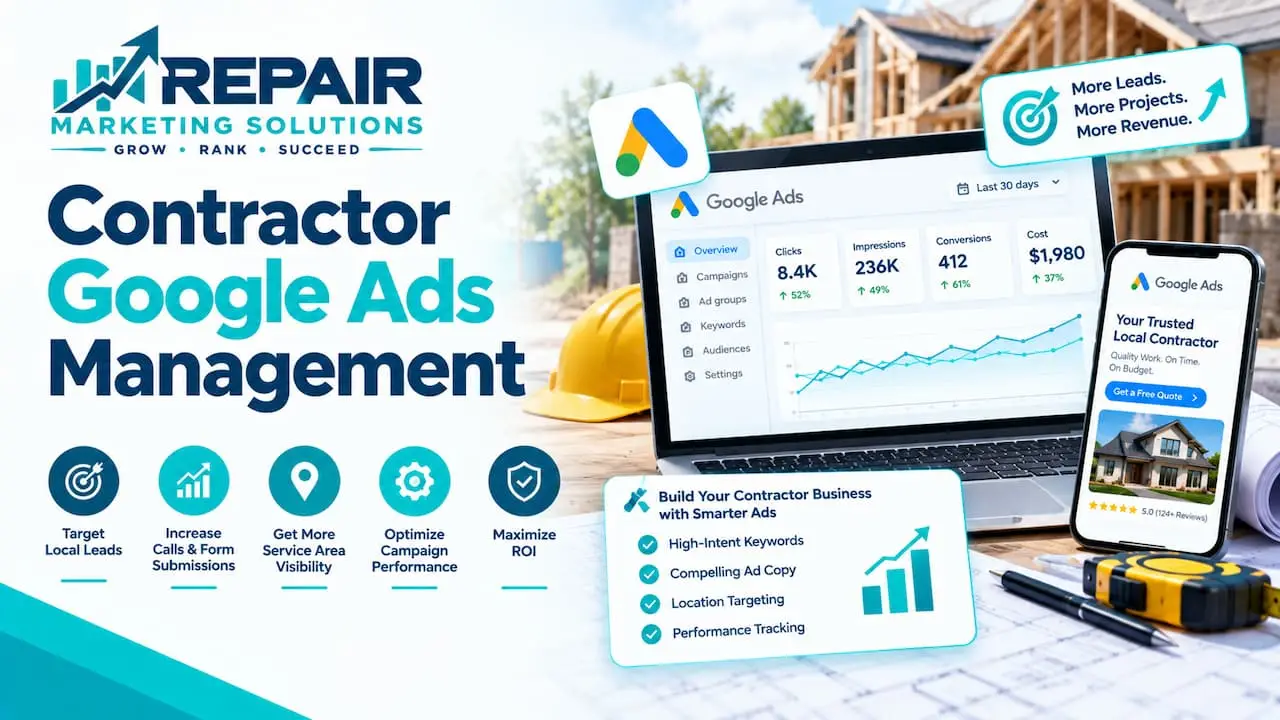
Contractor Google Ads management is the ongoing work of building, tracking, and improving paid search campaigns for a contracting business. A manager handles keywords, ad copy, budgets, negative keywords, and call tracking, then adjusts based on real leads. The goal is booked jobs from the right customers, not just clicks.
Think of it like maintaining a work truck. You can drive it off the lot on day one, but it won’t run well for long without regular tuning.
If you’d rather hand this off, you can look at our Google Ads management services for contractors and repair businesses.
Why Contractors Need Hands-On Management
Google Ads isn’t a set-it-and-forget-it tool for the trades.
Demand swings with the seasons and the weather. AC calls spike in a heat wave, and roofing calls jump after a storm. A campaign that worked in April can waste money by July.
Clicks are also expensive in this space. WordStream by LocaliQ’s 2025 benchmarks put the average cost per click for home and home improvement at about $7.85, with a conversion rate near 7.33% and a cost per lead around $90.92. At those prices, a few weeks of loose targeting burns real money.
Here’s a simple example. If your ad shows up for “plumber salary” or “free plumbing course,” every click costs you and none of them will ever hire you.
What Good Contractor Google Ads Management Includes
A good manager does six things, and most of them happen out of sight.
Tight Campaign Structure
Each service gets its own campaign, and so does each area you serve. Roof repair and roof replacement are different jobs with different customers, so they shouldn’t share a budget.
Keywords matter here too. “Roof leak repair” signals someone with a problem today, while “roofing contractor” could be anyone from a homeowner to a job seeker.
Negative Keywords
Negative keywords tell Google what you don’t want to show up for. Words like “jobs,” “salary,” “free,” “DIY,” “training,” and “supplies” are common ones for contractors.
This is often the fastest way to stop waste. A good manager checks the search terms report every week and adds new blocks as junk searches appear.
Call and Form Tracking
If you only see clicks, you don’t know what’s working. Good tracking records phone calls from your ads, form submissions, and ideally which keyword led to each one.
For most contractors the phone is the main lead source. That makes call tracking the single most important setup task.
Ads and Landing Pages
Your ad gets the click, but your page gets the job. A strong landing page covers one service, shows your phone number at the top, and includes proof like your license, reviews, and photos of finished work.
If your site is slow or hides your phone number, fixing it often helps more than raising your budget. That’s where good website building and development quietly pays for itself.
Budget, Bidding, and Schedule
Your budget should match your service area and your capacity. There’s no point paying for ten leads a day if your crew can handle three jobs a week.
Google’s automated bidding learns from your conversion data, so it only works well once tracking is accurate. Your manager should also set ad schedules around the hours someone can actually pick up the phone.
Reporting You Can Understand
You should get a simple report on a regular schedule. It should show calls, form leads, cost per lead, and, once you share the numbers, booked jobs.
If a report is full of jargon and light on jobs, ask for a different one.
How to Set Up a Contractor Google Ads Campaign
Setup goes smoothly when you take it one step at a time.
- Pick one service to start with, ideally your most profitable one.
- Choose your service area by city, county, or radius around your shop.
- Build a keyword list around urgent, specific searches, like “water heater replacement near me.”
- Add negative keywords from day one so you don’t pay for junk searches.
- Write ads that match the search and include a clear next step, such as “Call now for a free estimate.”
- Send clicks to a page built for that one service, not your home page.
- Set up call and form tracking, then test it by placing a real call.
- Start with a budget you’re comfortable with, launch, and review search terms after the first week.
You can add more services once the first campaign is bringing steady leads.
Google Ads vs Local Services Ads for Contractors
Both can bring you calls, but they work differently.
Search ads show up when someone types a query, and you pay when they click. Local Services Ads sit at the very top of the results for certain service categories, and the leads come in as calls and messages. Google explains how Local Services Ads work on its help pages, including which categories are eligible.
| Feature | Google Search Ads | Local Services Ads |
|---|---|---|
| How you pay | Per click | Per lead |
| Keyword control | High | Limited |
| Setup | Campaign you build and tune | Business profile plus Google screening |
| Best for | Specific services and service areas | Fast calls from ready-to-hire customers |
Many contractors run both. Search ads give you control, and Local Services Ads can fill the phone quickly where they’re available.
Your Google Business Profile also feeds both channels, since reviews and photos build trust. That’s why local SEO for your service area often works alongside paid ads instead of competing with them.
How Much Does Contractor Google Ads Management Cost?
You pay two things: the ad spend that goes to Google, and the management fee that goes to whoever runs the account.
Ad spend depends on your trade, your area, and how many leads you want. Management fees vary by agency and are usually either a flat monthly fee or a share of spend, so it’s worth asking exactly what’s included. You can see how our pricing is structured if you want a reference point.
Cost per lead alone doesn’t tell you much. Here’s an illustration with made-up round numbers. If you pay $90 per lead and close one in four, each job costs you $360 in ads, and that works well if the average job pays $3,000.
Which Numbers Actually Matter
Clicks and impressions are easy to track, but they don’t pay your bills.
Focus on these instead:
- Cost per lead, meaning what you pay for each call or form
- Cost per booked job, meaning what you pay for each lead that turns into work
- Call answer rate, meaning how many calls you or your office actually pick up
- Lead-to-job rate, meaning how many leads you close
- Search terms, meaning the real phrases people typed before they clicked
If one number looks bad, look at the one before it. A low lead-to-job rate often points to a phone or quoting problem, not an ad problem.
The Mistake Most Contractors Make: Chasing Cheap Leads
Cheap leads aren’t always good leads.
A campaign tuned only for the lowest cost per form can fill up with price shoppers, wrong-area requests, and spam. The report looks great, but the calendar stays empty.
The fix is to close the loop. Tell your manager which leads turned into real jobs, and ask them to optimize toward those. Google Ads lets you import offline conversions, so the system can learn which clicks led to paid work.
Here’s something practitioners notice that generic guides skip. The phone is half the campaign, and a missed call during a busy afternoon is money lost. Fast callbacks and an answering service can lift results more than any bid change.
How to Choose a Google Ads Manager for Your Contracting Business
Start with a few plain questions, and listen for plain answers.
- Who owns the Google Ads account? It should be yours, so you can leave with your data.
- Do they track calls and booked jobs, or only clicks?
- Will they walk you through the search terms report?
- Is there a long contract or lock-in period?
- Do they understand your trade, your busy seasons, and your service area?
A good manager is happy to answer all of this before you sign anything. Vague answers are a warning sign.
Frequently Asked Questions About Contractor Google Ads Management
What does a contractor Google Ads manager do?
A contractor Google Ads manager builds your campaigns, chooses keywords, writes ads, and blocks wasteful searches. They also set up call and form tracking, adjust budgets, and report on the leads you receive.
How much should a contractor spend on Google Ads per month?
Contractor Google Ads spend depends on your trade, your service area, and how many jobs you can handle. As a rough illustration, at an average click cost near $8, a $1,500 monthly budget buys around 190 clicks. Start with enough budget to collect real data, then adjust once you see your cost per booked job.
Are Google Ads worth it for contractors?
Google Ads for contractors are worth it when you track leads and answer the phone quickly. They can reach people at the moment they need a repair or an install. Without tracking and follow-up, they can burn through budget fast.
How long does it take for contractor Google Ads to work?
Contractor Google Ads can send calls within days of launching. Most accounts still need a few weeks of data before you can judge them fairly, since search terms and bids need time to settle.
Should contractors use Google Ads or Local Services Ads?
Choosing between Google Ads and Local Services Ads depends on your trade and location. Local Services Ads are only available for certain categories, so check eligibility first. Many contractors run both and compare cost per booked job.
Can I manage Google Ads myself as a contractor?
Managing Google Ads yourself is possible if you have time to review search terms weekly and fix tracking issues. Many owners find it hard to keep up while running jobs. A manager can take that load off your plate and keep campaigns improving.
Final Thoughts
Good contractor Google Ads management comes down to a few habits: track every call, block junk searches, send clicks to the right page, and measure booked jobs.
From our base in Tucson, Arizona, we work with contractors and repair businesses across the USA on exactly this. Whether you hire help or run it yourself, start with tracking and let the real numbers guide your next move.